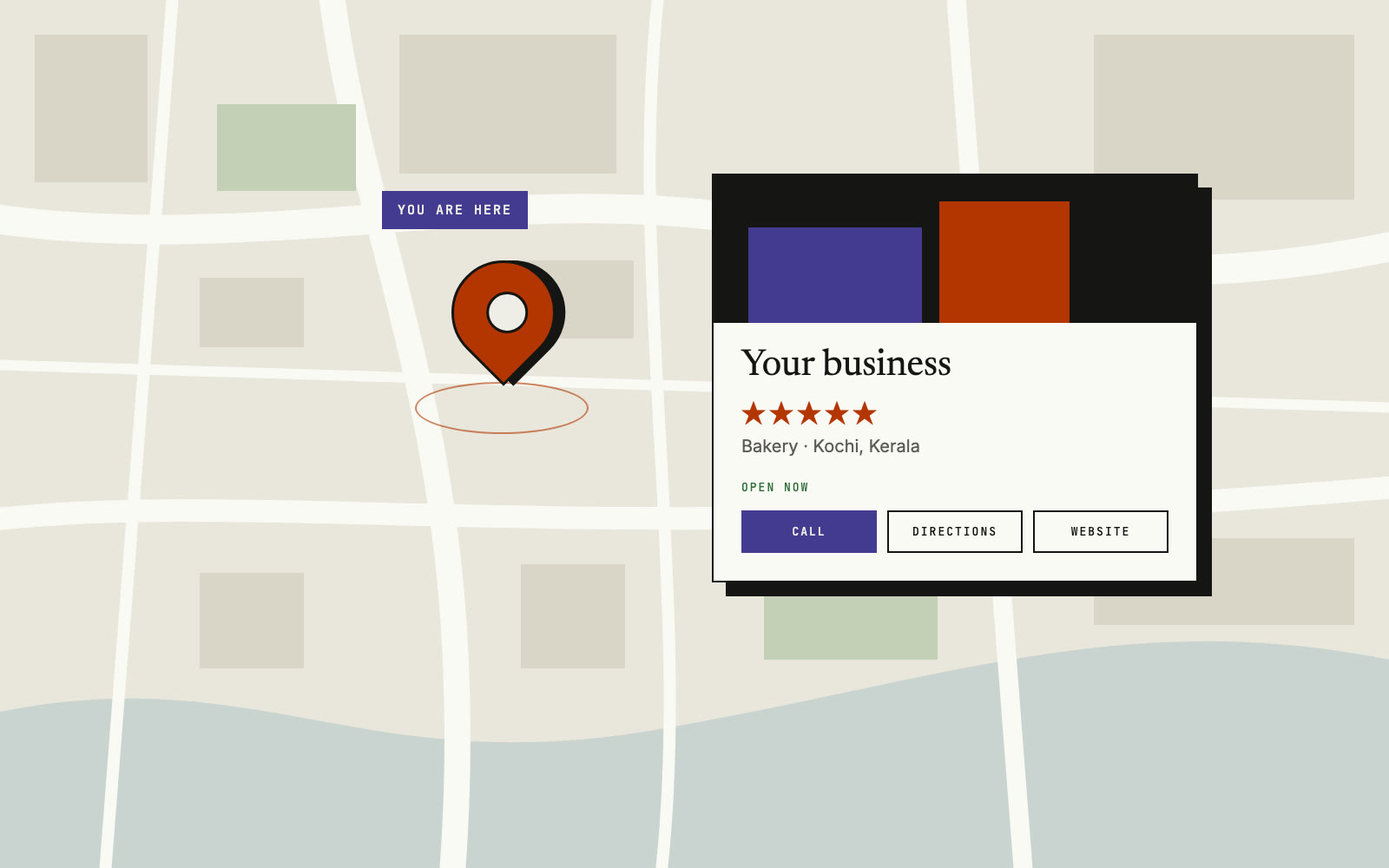
When someone searches "dentist near me" or "bakery in Kottayam", Google shows a map with a few businesses on it. To be on that map, you need a free Google Business Profile. You can set it up on your phone today.
This guide gives the steps, how to show up higher, and the mistakes to avoid. We checked each step against Google's help pages in November 2026.
What is a Google Business Profile?
It is your free business listing on Google Search and Google Maps. It shows your name, address, phone, hours, photos and reviews. Google says creating a Business Profile is free, so be careful if anyone asks you to pay for a "Google listing".
How do you add your business to Google Maps?
Sign in with a Google account, open the Business Profile page, and answer a few questions. These steps follow Google's help page:
- Sign in to your Google account. Your Gmail works.
- Go to business.google.com/create.
- Type your business name. If it shows in the list, select it. If someone else already manages it, you can ask for ownership.
- Choose your category, for example "Dental clinic" or "Beauty salon".
- Say if customers can visit your shop or office. If yes, enter the address or place the pin.
- Add the areas you serve, if you also go to customers.
- Add your phone number and website.
- Check the details, tap Finish, and start verification.
Tip: customers can only find your profile after verification. Do not stop after step 8.
No shop? You can still be on Maps
Plumbers and tutors often work from home. Google calls these service-area businesses. You list the areas you serve, up to 20, and hide your home address.
How does Google check that the business is yours?
Google asks you to verify, and Google picks the method. The options depend on your type of business, region and hours, and you cannot change them.
| Method | What you do |
|---|---|
| Phone or SMS | Get a code on your business phone and type it in. |
| Follow the steps sent to your email. | |
| Video recording | Record a short video of your shop, signboard and proof you run it. |
| Live video call | Show the same to a Google staff member, during business hours. |
| Postcard | Wait for a code by post. Most arrive within 14 days. |
After that, Google may review your details for up to 5 business days.
How can you show up higher on the map?
Fill in every detail honestly, add real photos, and collect real reviews. Google says local results depend on three things: relevance (how well you match the search), distance (how far you are from the person searching) and prominence (how well known you are). There is no way to pay for a better ranking.
- Pick the right category.
- Keep hours correct. Add special hours for Onam, Vishu and other holidays.
- Add real photos. Google suggests at least 3 each of the outside, inside, products and team at work.
- Ask happy customers for reviews. Send your review link on WhatsApp after a good job.
- Reply to reviews. Replies are public, so keep them short and polite.
- Use the same name, address and phone everywhere. Your signboard, profile and website should match.
What mistakes can get your profile removed?
Extra words in your name and fake reviews are the two big ones. Google's guidelines say your name must match your real signboard. "Sunrise Salon" is fine. "Sunrise Salon Best Bridal Makeup Kochi" is not.
- Do not pay or give discounts for reviews. Google removes these.
- Do not ask staff to post reviews.
- Do not make two profiles for one business in one area.
- Do not use a PO box or virtual office as your address.
- Do not add a Facebook or Instagram link as your website. Google does not allow it.
Why add a website to your profile?
A website link helps people trust you and contact you. A simple site with your services, photos and a WhatsApp button answers their questions before they call. Maywe builds simple websites from ₹8,000 one-time, plus ₹2,500 a year for hosting, SSL (the padlock that keeps the site safe), updates and backups. We can also help you set up your Google Business Profile.
Key takeaways
- A Google Business Profile is free.
- Your profile shows on Maps only after verification.
- Correct details, real photos and real reviews help you show up higher.
- Use your real business name with no extra keywords.
- Nobody can pay Google for a better map ranking.
Frequently asked questions
Can I add my business without a shop?
Yes. Choose the service area option, add the places you serve, and hide your home address.
How long does it take to appear on Google Maps?
It depends on the verification method. Google may take up to 5 business days to review, and a postcard can take up to 14 days to arrive.
Can I delete a bad review?
No, not just because it is negative. Reply politely and offer to fix the problem. You can report a review that breaks Google's rules, such as a fake one.